
The login form is just the beginning
Build the sign-in experience with WPForms or Gravity Forms. Then use LoginWP Pro to guide people to a useful page after they log in or out, based on the redirect rules you set for their WordPress accounts.
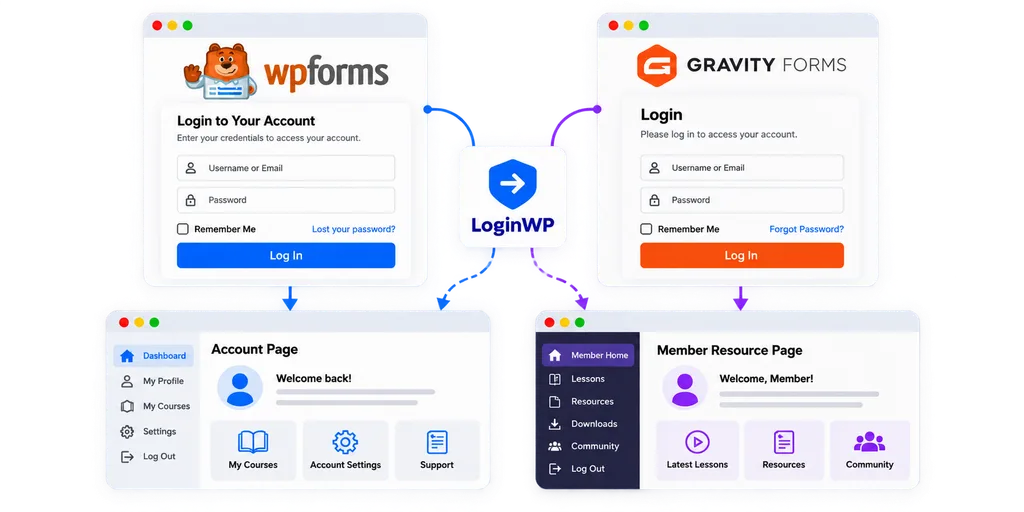
Make the next page fit the person signing in
Guide each user to the page that matters most—at exactly the right moment.
Welcome users to the right space
Send people with a selected WordPress role to an account area, client portal, or member homepage created specifically for their needs. Keep access protection on those pages separate from the redirect.
Handle individual journeys
Create a username-based rule for a person who needs a specific destination, such as their own onboarding or account page. Keep access protection on that page separate from the redirect.
Help visitors continue
For an appropriate rule, LoginWP’s {{previous_page}} placeholder can return someone to the page they visited before opening the login page. Test it with the form and navigation your site actually uses.
Choose the login form your site uses
Using Gravity Forms?
Use the Login Widget supplied by the Gravity Forms User Registration Add-On. Enable its integration in LoginWP, then create LoginWP rules for users who sign in through that widget.
Read the Gravity Forms setup guide: Redirect Users on Successful Login/Logout with Gravity Forms’ Login Widget
Using WPForms?
Create a login form with the WPForms User Registration Addon and place it where users sign in. Enable WPForms in LoginWP’s Integrations area, then create LoginWP rules for the login and logout destinations you want.
Read the WPForms setup guide: Get More Control with WPForms Redirects on Logins and Logouts
*Note: WPForms and Gravity Forms are separate products. Use the path for the form installed on your site; installing both is not required.
Give every sign-in a useful purpose
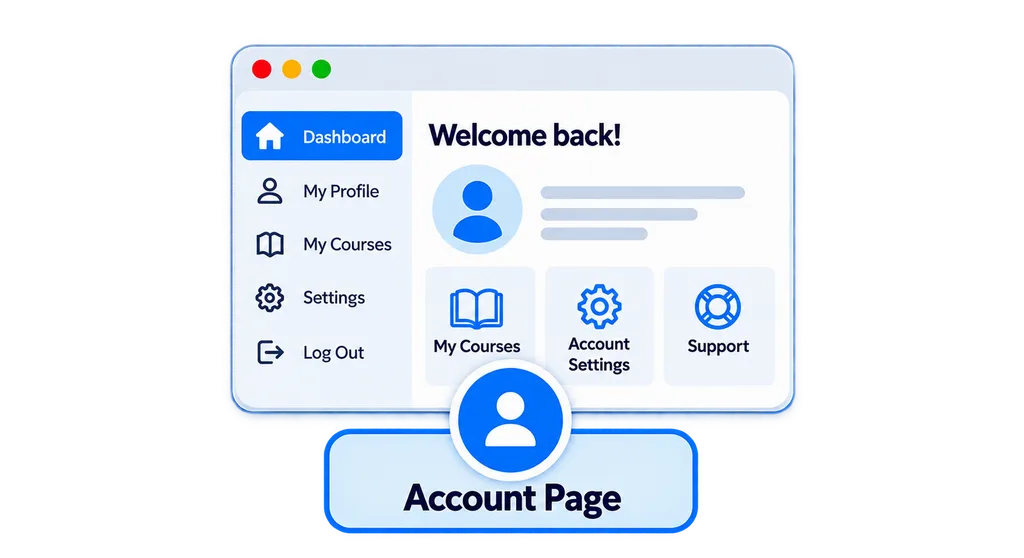
A client arrives at their workspace
A client signs in through your WPForms login page. A LoginWP username or role rule sends them to the portal you prepared. The portal’s access settings still determine who can open it.
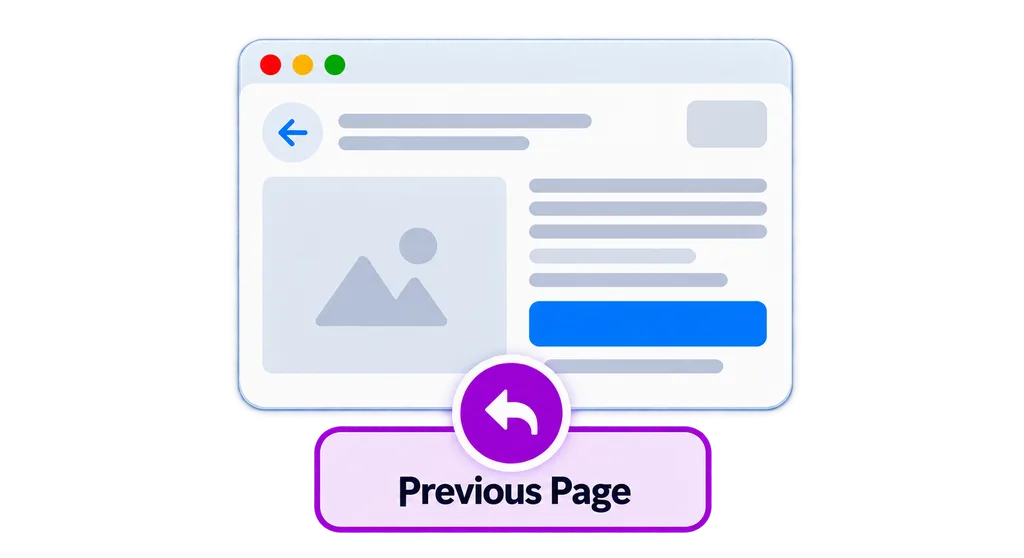
Returns to what they were reading
If your flow sends readers to a separate login page, use {{previous_page}} in a suitable LoginWP rule to bring them back after sign-in. Confirm the signed-in account has access to the original page.
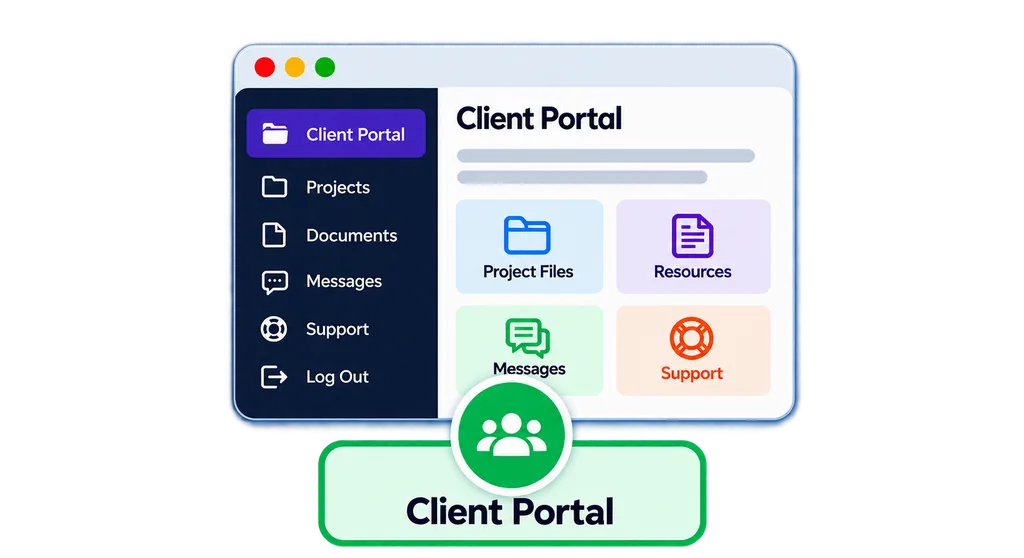
A member signs in from a widget area
A member uses the Gravity Forms Login Widget in your site’s sidebar. A LoginWP role rule takes them to a member resource page instead of making them search for it.
Frequently Asked Questions
Do I need both form products?
No. WPForms and Gravity Forms are separate products. Follow the path for the supported login interface installed on your site.
Does this work on every form submission?
No. This page concerns successful login through a WPForms login form or the Gravity Forms User Registration Login Widget, not contact or ordinary registration submissions.
What if the form has its own redirect setting?
Review it alongside LoginWP and test the actual outcome with the versions and login flow used on your site.
Does LoginWP protect the destination page?
No. Manage page permissions separately; a redirect alone does not grant or restrict access.
Need Support?
Reach out to us directly: https://loginwp.com/support/
Explore LoginWP documentation
Check our Knowledge Base documentation here: https://loginwp.com/docs/
Finish the journey after sign-in
Use the login form that fits your site, then guide users to a relevant destination with LoginWP Pro.