Make the next page as thoughtful as your Divi login design

You can design the login experience in Divi. With LoginWP Pro, give people a useful next destination when they sign in through Divi’s Login module, based on the WordPress redirect rules you configure.

LoginWP Divi Hero

From a beautiful login to a useful arrival

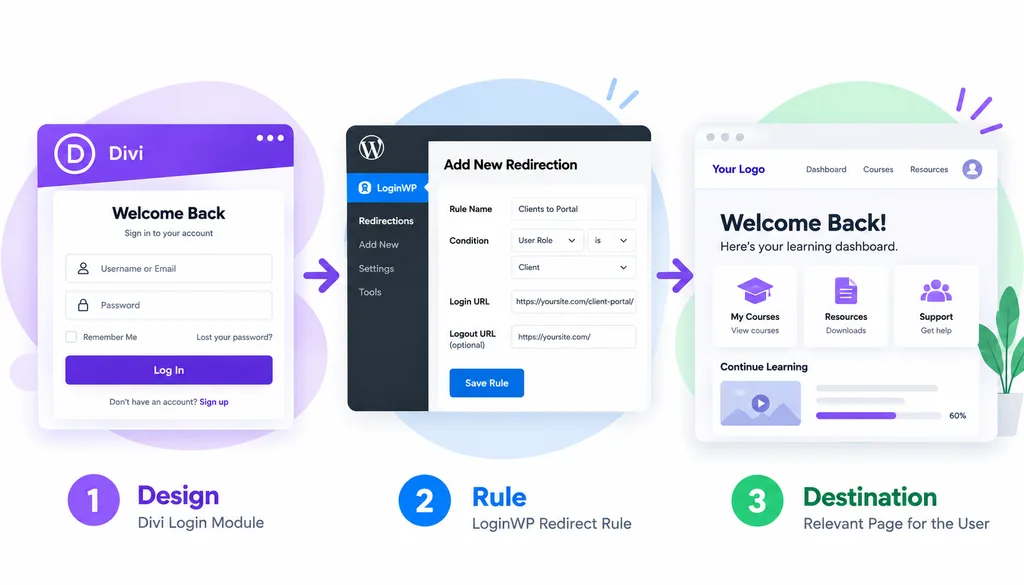
Build the form in Divi. Set the destination in LoginWP. A site can keep the familiar visual experience of its Divi Login module while directing different users to the page that makes sense after sign-in.

Design

Build the login form in Divi and match it to the look and feel of your site.

Rule

Create a LoginWP rule based on the username, role, or capability you want to target.

Destination

Send the user to the page that makes sense after they sign in

Fit the destination to the visitor

Loginwp divi Login Flow

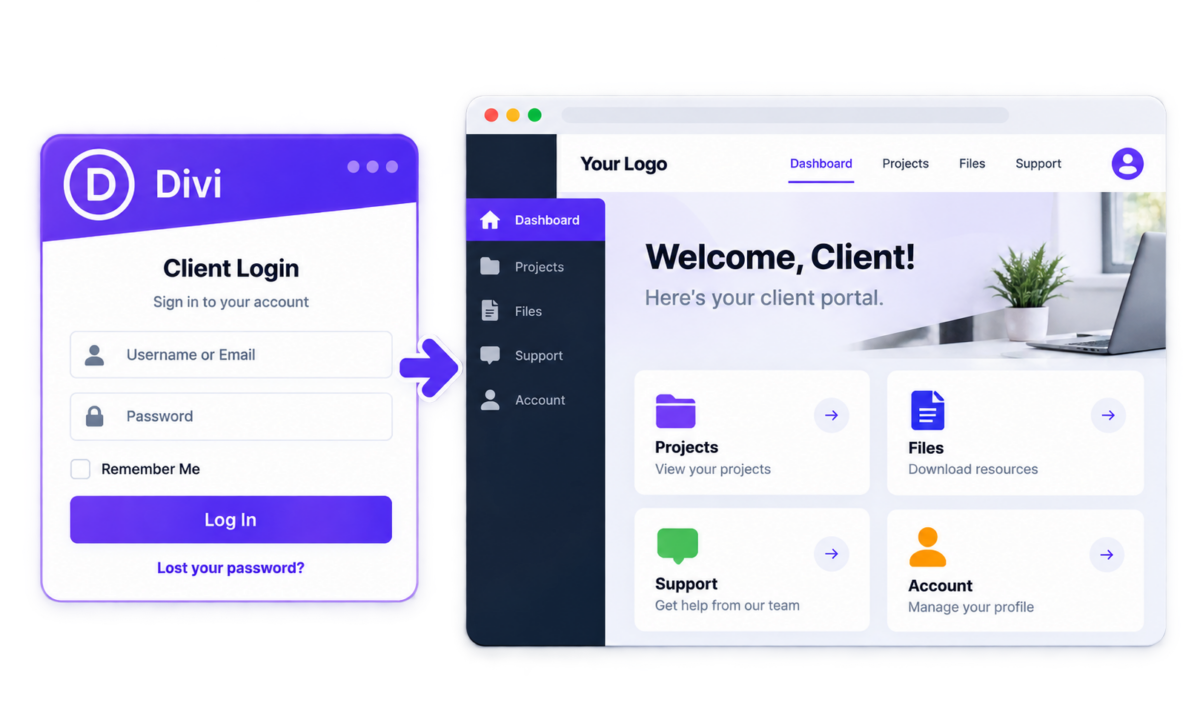
A client arrives at their portal

Set a rule for the client’s WordPress role or a specific username, then send them to the portal page you created for them. Protect that page for the intended client; a redirect alone does not secure it.
LoginWP Divi Login to Team Workspace

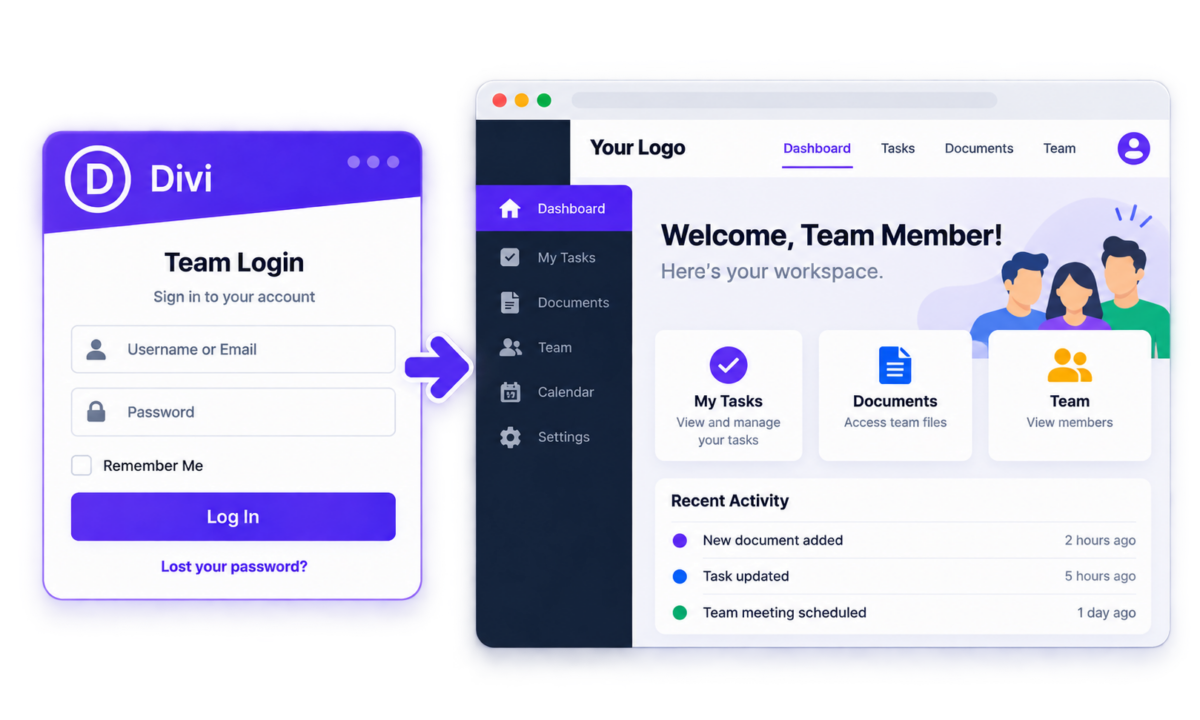
A team member finds the right workspace

Use a role or capability condition to direct a team member to a working page relevant to their responsibilities.
LoginWP Divi Return

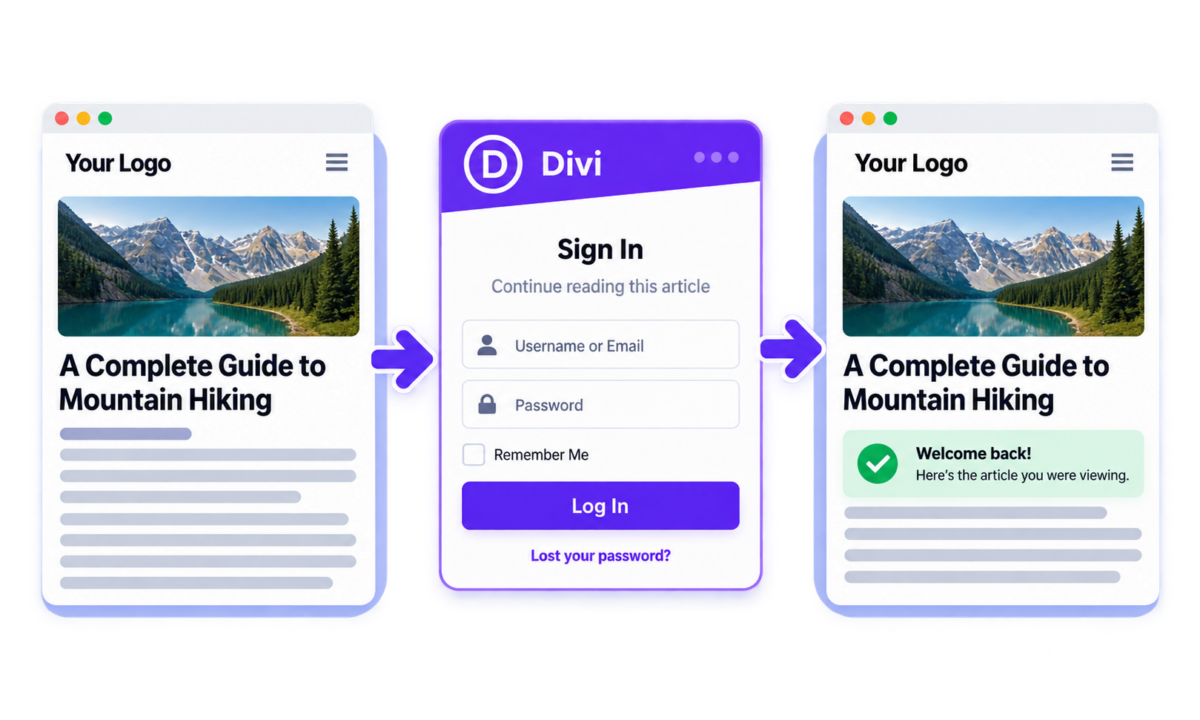
A reader returns to the page they wanted

Use LoginWP’s {{previous_page}} placeholder to return visitors to the page they viewed before signing in.

A rule can be personal or broad
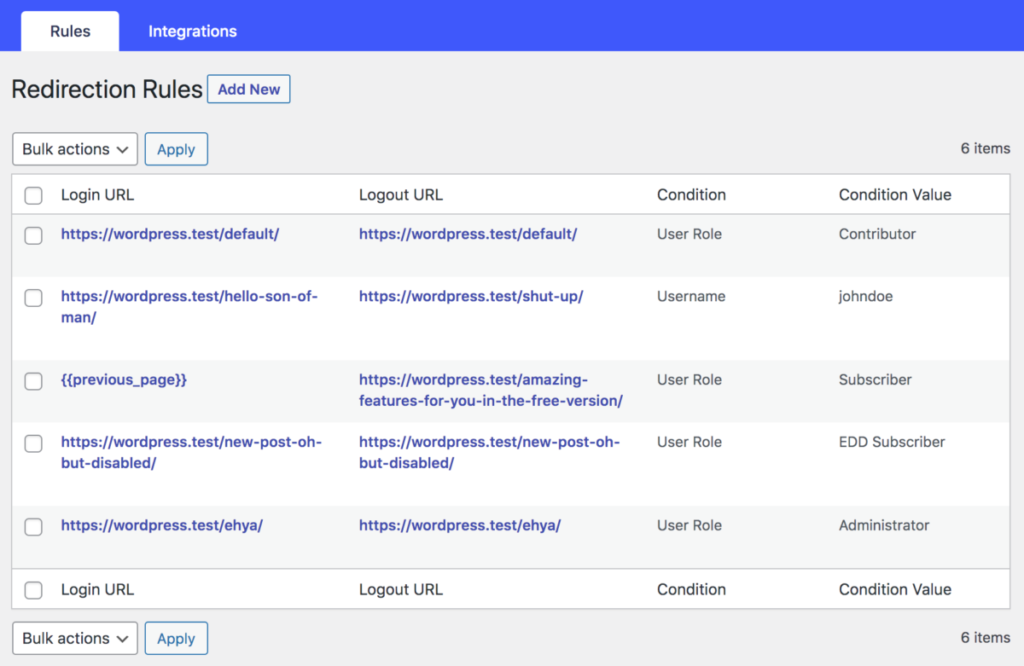
Create login destinations for a particular username, WordPress role, or capability. Configure a destination for all other users when you need a default path. You can also set logout URLs where relevant. The destination itself is any suitable page or URL that you manage on your site.

Redirection rules overview

How It Works

Design your login

Add and customize Divi’s Login module to match your site.

Create your redirect rule

Set a LoginWP rule based on the username, role, or capability you want to target.

Choose the destination

Enter the page users should reach after signing in, then test the flow.

Setup Guide Link

You can click this link for a more detailed guide: LoginWP Now Works with Divi Login Form

Frequently Asked Questions

Does LoginWP Pro work with Divi’s Login module?

Yes. LoginWP documents compatibility with Divi’s Login Form or Module and supports custom login and logout redirects for that flow.

Can different WordPress roles reach different pages?

Yes. Create separate LoginWP rules targeting the roles you want to direct, then set and test their destinations.

Can I use the login form anywhere in a Divi layout?

Divi’s Login module can be placed in a Divi-designed page. Test the login and redirect on each layout where you use the module, particularly when the module also has a current-page redirect setting.

How do I return someone to the previous page?

Set {{previous_page}} as the Login URL in a suitable LoginWP rule, then test how visitors reach the Divi login page.

Do I need to rebuild my Divi design?

No. Keep your Divi Login module and design. Set the matching redirect rule in LoginWP and verify the resulting flow.

Need Support?

Reach out to us directly: https://loginwp.com/support/

Explore LoginWP documentation

Check our Knowledge Base documentation here: https://loginwp.com/docs/

Complete the experience beyond the login form

Pair the login page you designed in Divi with a destination chosen for the person signing in.