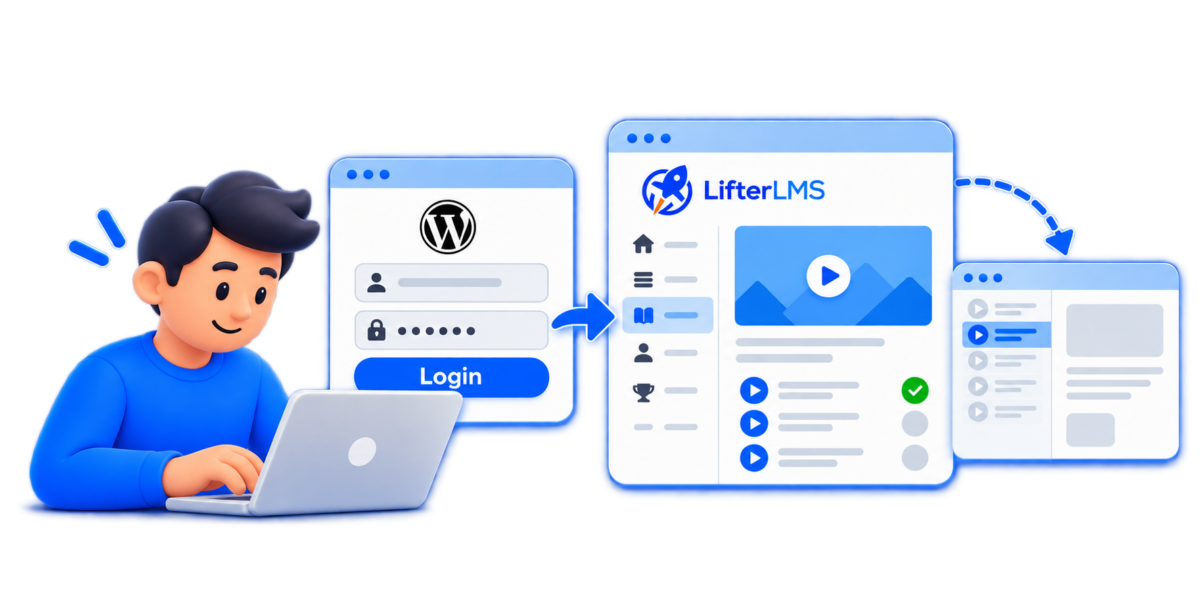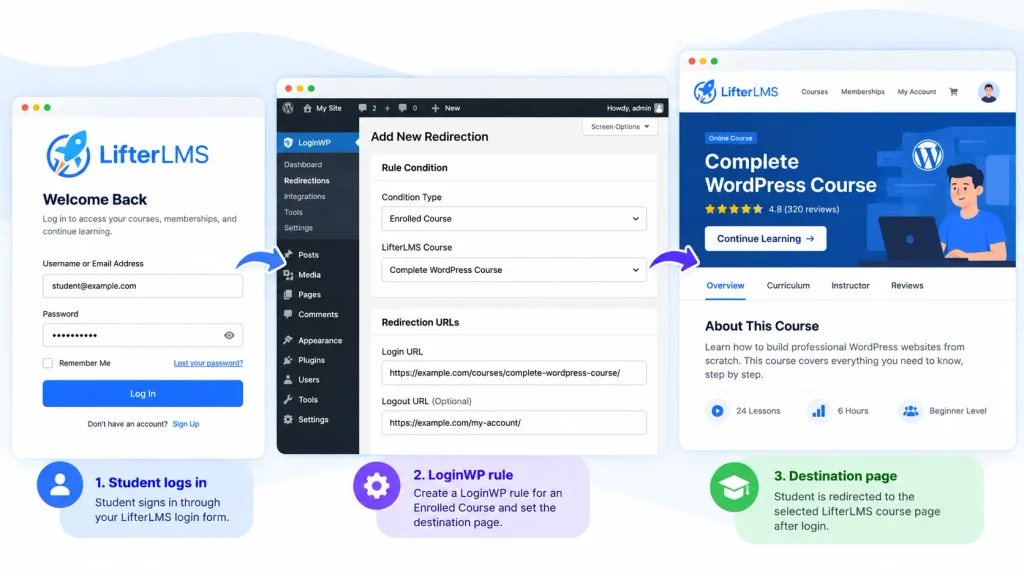
Welcome learners to the experience they enrolled in
Some visitors come back for a course. Others return for a membership full of resources. LoginWP Pro helps you give each a useful starting point after login, using their LifterLMS course enrollment or membership enrollment to choose a destination.
100,000+ active installs · Easy setup · Developer friendly

TRUSTED BY WORDPRESS SITE OWNERS WORLDWIDE
One learning site, two useful ways to welcome people back
Create two columns containing the following.
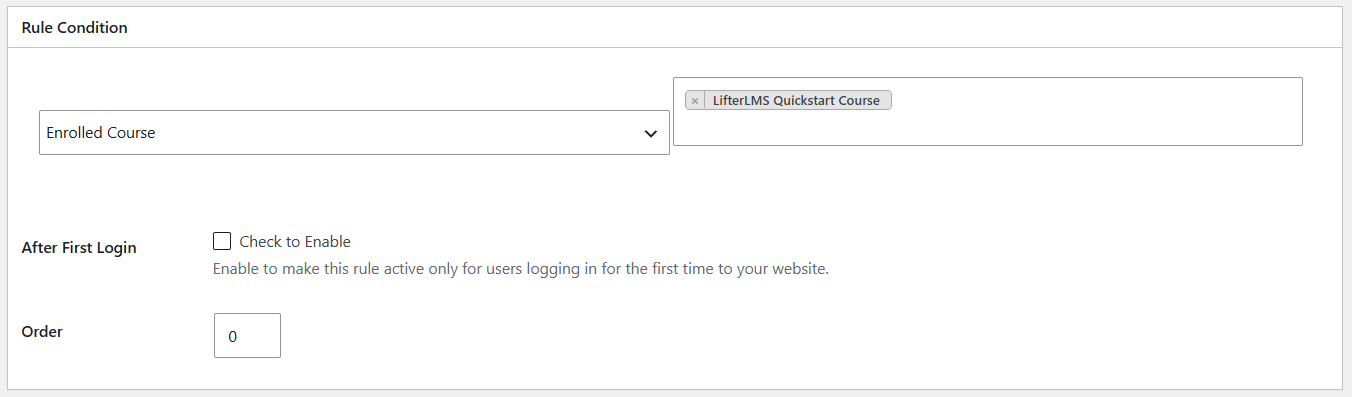
If they enrolled in a course
Choose Enrolled Course as the LoginWP rule condition. Select a course and send matching learners to its introduction, course page, or a learning hub you created.
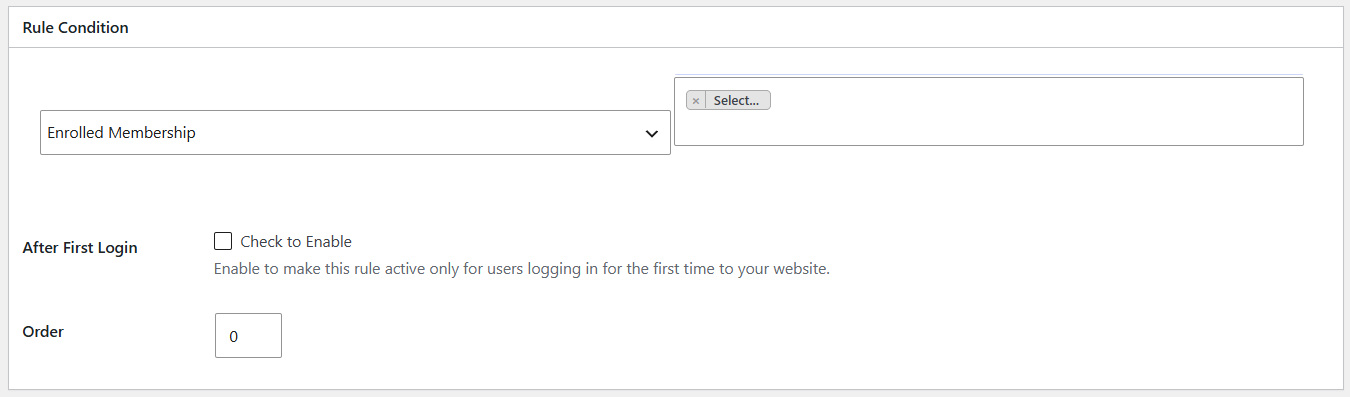
If they enrolled in a membership
Choose Enrolled Membership as the LoginWP rule condition. Select a membership and guide its members to a resource index or member homepage suited to that offering.
Simple rule builder
From login to destination in three steps.
Choose who the rule applies to, decide when it should run, and set the destination.
Target a username, role, capability, or supported integration condition.
Apply the rule after login, logout, or registration.
Enter the page or URL where the user should arrive.
Works with your stack
Powerful integrations, built in.
Add LoginWP redirect support to the forms, courses, stores, and memberships you already use.
“Really allows for some user-specific experiences. A simple way for a rookie to make a site function like a pro created it.”
Bob Schecter · Review on WordPress.org
100K+
active WordPress installations
Put every user on the right path.
Build better login, logout, and registration journeys with LoginWP.